How to Safely Clean Your GPU: Best Practices for Hardware Maintenance
Regular maintenance of your graphics card is essential for preventing thermal degradation and extending component life. Following proper safety protocols ensures you clean your hardware without causing damage.
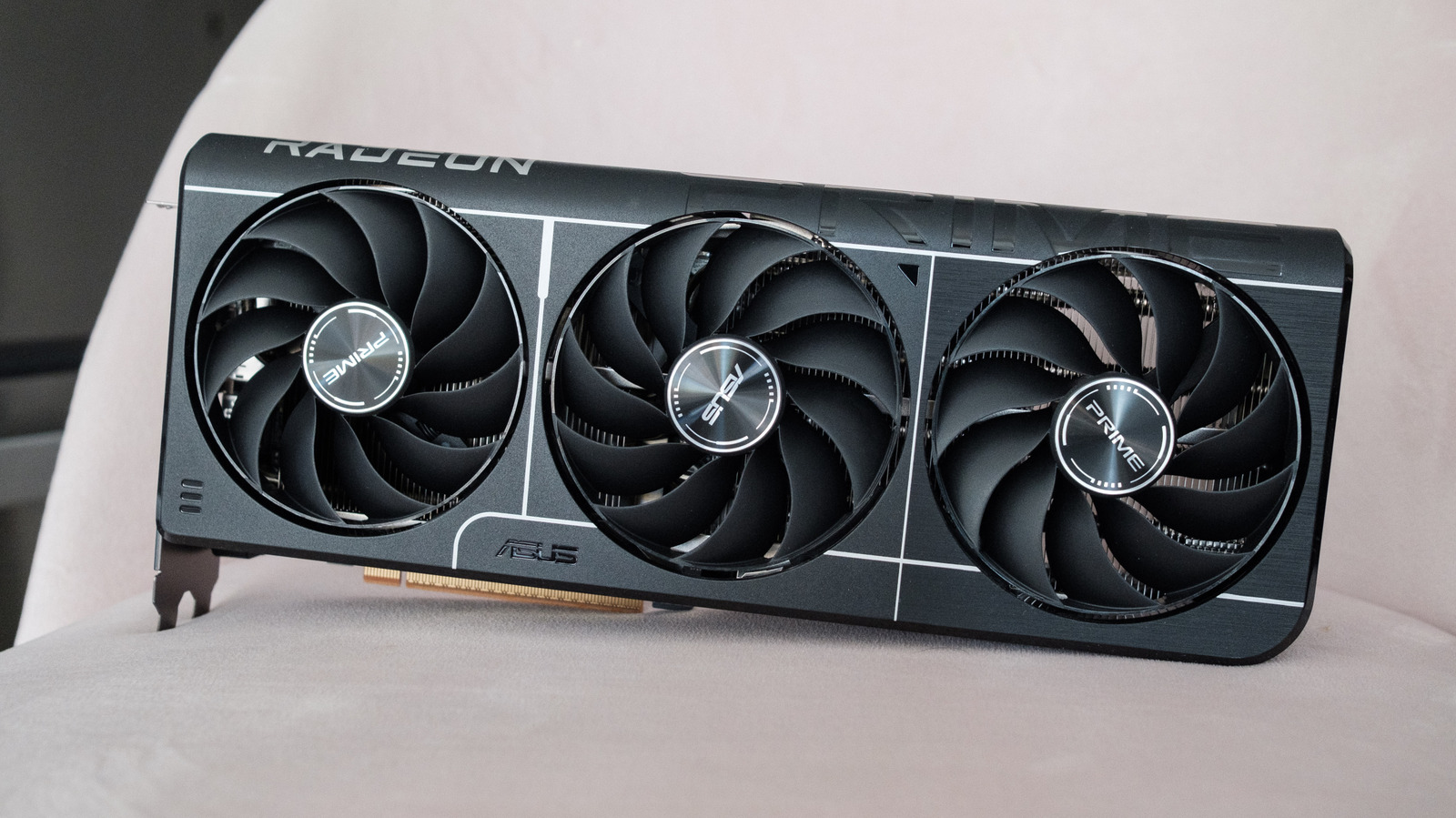 💻Tech
Photo: Engadget
Key points
- Clean every 3-6 months
- Hold fans steady during dusting
- Discharge capacitors before opening
GPU Maintenance Essentials
Dust accumulation on a graphics processing unit (GPU) significantly hinders thermal performance, forcing the card to throttle clock speeds and potentially shortening its operational lifespan. Given the current market pricing for high-end hardware, performing a deep clean every three to six months is a prudent measure to maintain optimal performance and avoid unnecessary replacement costs.
The cleaning process begins with safety. After powering down the PC and unplugging all cables, toggle the power supply unit to the "O" position and hold the PC’s power button for 30 seconds to discharge internal capacitors. Utilizing an anti-static wrist strap is a recommended safety step to protect sensitive internal circuitry from electrostatic discharge during the handling of the card.
Safe Cleaning Techniques
A critical rule when cleaning GPU fans is to manually hold them in place while using compressed air. Allowing fans to spin freely under air pressure can damage the bearings and induce a voltage back into the fan controller, potentially causing electrical failure. If using compressed air, ensure the canister remains upright to prevent liquid propellant from spraying onto the hardware.
For the backplate and casing, a microfiber cloth lightly dampened with 90 percent isopropyl alcohol is effective for removing stubborn dust. When reinserting the GPU, ensure it is seated firmly in the primary PCIe slot—typically the top-most one—and verify that all PCIe power cables are securely connected.
Source Engadget — engadget.com/2319541/safely-clean-pc-gpu-avoid-damage/ ↗
Read next
 📈Business
Trump Administration Pressures Intel and Nvidia, Sparking Concerns Over State Control
Newly unsealed court documents reveal aggressive government pressure on Intel and Nvidia, shifting tech policy toward direct state stakes.
 🚀Space
Ukraine braces for another difficult winter amid ongoing attacks on energy infrastructure
Ukrainians are preparing for a harsh winter as continuous strikes on energy facilities and rising food prices strain households.
 🛡️Cyber
Russia’s hybrid war on Europe is evolving but failing to deter Ukraine support, IISS report says
A report by the IISS highlights an increase in Russian sabotage and infrastructure attacks across Europe, noting however that the strategy has failed to weaken support fo…
 🔬Science
Biomolecular analysis reveals centuries-old embalming recipes for Egyptian crocodile mummies
A study of ancient Egyptian crocodile mummies shows that embalmers used the exact same beeswax and pine resin recipe centuries apart at a single site.
 🛡️Cyber
Cybersecurity Weekly Roundup: Ransomware Fraud, ChatGPT Sites Leaks, and New Defenses
The latest threat intelligence roundup covers charges against a recovery firm co-founder, web app exposure risks, software patches, and VirusTotal's new detection feature…
 🌍World
NATO Fighter Jets Scrambled After Drone Enters Latvian Airspace
Latvian armed forces deployed Alliance aircraft and interceptors following a brief border breach by an unidentified unmanned aerial vehicle.