Apple Warns MacBook Users Against Using Webcam Covers
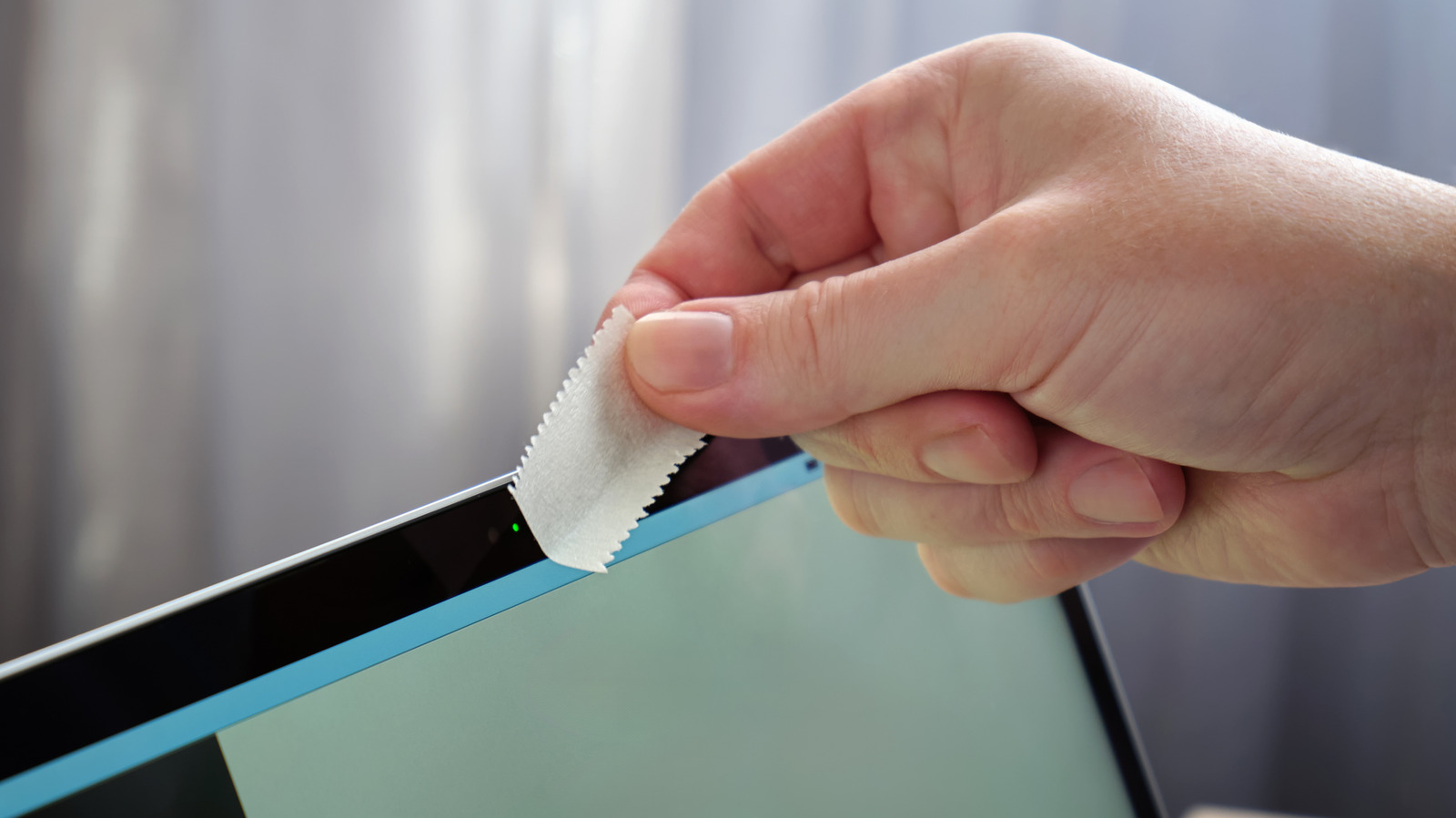
Apple cautions that physical webcam covers can damage MacBook displays due to the precision engineering of the laptop's chassis.
 💻Tech
Photo: Engadget
Key points
- Apple states that webcam covers can crack MacBook screens due to tight clearances.
- The gap between display and keyboard is engineered with millimeter precision.
- Warranty coverage excludes damage caused by third-party camera covers.
- macOS relies on dedicated hardware indicators and software permissions for privacy.
While physical privacy covers for laptop webcams are a popular accessory, tech giant Apple strongly advises against using them on MacBooks. Modern laptop displays are engineered with millimeter precision, leaving virtually no gap between the screen and the keyboard when the lid is closed.
Inserting a piece of plastic or metal over the camera concentrates the closing pressure onto a single, small spot on the display glass. This uneven pressure distribution can result in permanent glass cracks, display failures, or scratches. Additionally, adhesive residue left behind by removable covers can interfere with ambient light sensors and camera performance.
If a webcam cover is strictly required by an employer, Apple recommends opting for ultra-thin models no thicker than a sheet of paper (approximately 0.1mm) and removing them before closing the laptop. Crucially, display damage caused by third-party camera covers is not covered under Apple's standard warranty policy.
For privacy-conscious users, physical covers are generally unnecessary. Every MacBook features a dedicated green hardware indicator light wired directly to the webcam sensor, ensuring the camera cannot operate without the light turning on. Users can also manage application permissions directly through the Privacy & Security settings in macOS.
Source Engadget — engadget.com/2307730/think-twice-before-using-webcam-cover-macbook/ ↗
Read next
 📈Business
EU Budget Row: Macron Accuses Le Pen of Arrogance Amid Multiannual Funding Clash
Discussions over the European Union's next multiannual budget have sparked a fierce political showdown between French President Emmanuel Macron and far-right leader Marin…
 📈Business
Trump Administration Pressures Intel and Nvidia, Sparking Concerns Over State Control
Newly unsealed court documents reveal aggressive government pressure on Intel and Nvidia, shifting tech policy toward direct state stakes.
 🚀Space
Ukraine braces for another difficult winter amid ongoing attacks on energy infrastructure
Ukrainians are preparing for a harsh winter as continuous strikes on energy facilities and rising food prices strain households.
 🛡️Cyber
Russia’s hybrid war on Europe is evolving but failing to deter Ukraine support, IISS report says
A report by the IISS highlights an increase in Russian sabotage and infrastructure attacks across Europe, noting however that the strategy has failed to weaken support fo…
 🔬Science
Biomolecular analysis reveals centuries-old embalming recipes for Egyptian crocodile mummies
A study of ancient Egyptian crocodile mummies shows that embalmers used the exact same beeswax and pine resin recipe centuries apart at a single site.
 🛡️Cyber
Cybersecurity Weekly Roundup: Ransomware Fraud, ChatGPT Sites Leaks, and New Defenses
The latest threat intelligence roundup covers charges against a recovery firm co-founder, web app exposure risks, software patches, and VirusTotal's new detection feature…